
Diwali Gadget Buying Tips: How to Get the Best Deal Online
Buying a phone, laptop or earbuds in a Diwali sale? Check real price history, bank offers, no-cost EMI costs, exchange value and the seller before you pay.
Translate
Diwali falls on 8 November this year, and the festive sales are in full swing. Amazon’s Great Indian Festival has been running since 8 October, and Flipkart’s Big Bang Diwali Sale starts today, 28 October. A big “70% off” banner doesn’t always mean a good deal, though. These tips will help you work out what you’ll really pay before you click Buy.
1. Decide the exact model before the sale
Sale pages are built to make you browse, and browsing leads to impulse buys. Before you open the app, write down the exact product you want: model name, year, RAM and storage, and colour if it matters. “Galaxy” or “Redmi” covers dozens of phones, and older models often look almost identical to new ones in a listing.
Knowing the exact variant also stops a common trick: the “deal” price applies to the base 128GB model, while the 256GB version you actually want is barely discounted.
2. Check the price history, not the MRP
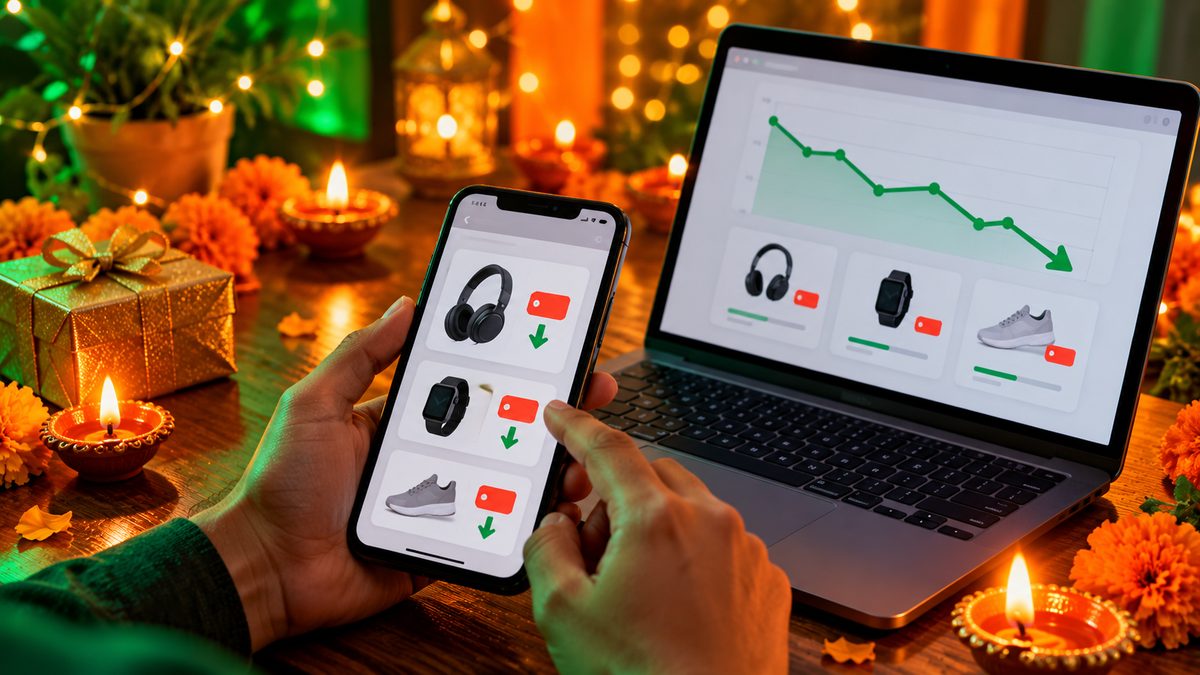
The strike-through MRP on a listing is often a price nobody pays. What matters is how the sale price compares with what the product sold for over the last few weeks.
- Use a price-history website or browser extension to see the product’s lowest price over the past few months.
- Compare it with the launch price. If a phone launched at ₹19,999 and the “sale price” is ₹19,499, that’s not a festival deal.
- Check the same model on both Amazon and Flipkart, and on the brand’s own website. Brands sometimes run their own Diwali offers.
3. Read the bank offer’s small print
Most of the real savings in festive sales come from bank offers, not the listed price. Flipkart’s Big Bang Diwali Sale, for example, advertises a 10% instant discount with SBI cards. Before you count on any bank offer, check:
- The cap. A “10% off” offer is usually capped at a fixed rupee amount, so on an expensive phone or laptop you may get far less than 10%.
- The minimum order value. Cheaper items may not qualify at all.
- Which cards and payment types. Credit and debit cards, and EMI and full payment, often get different offers.
- Instant discount vs cashback. An instant discount comes off at checkout. Cashback can take weeks to show up and may come as store credit.
The final amount on the payment page, after the discount is applied, is the only number worth comparing.
4. Understand “no-cost EMI” before you pick it
No-cost EMI means you pay no interest directly, but the loan isn’t free to set up. The seller absorbs the interest, usually by lowering the price the lender pays for the product, and you repay the full price in instalments. Banks can still charge a processing fee, and GST is charged on the interest portion of each instalment.
On a ₹1 lakh purchase, these extra charges can add up to well over ₹1,000, according to a Business Today breakdown. Closing the loan early can also cost extra. No-cost EMI is useful if you need to spread the payment, but if you can pay in full, check whether a full-payment bank offer saves you more.
Tip: Take a screenshot of the price, the bank offer and the final payment amount before you pay. If the order is cancelled or the price changes after a replacement, you’ll have proof of what you were offered.
5. Get a real value for your old phone
Exchange offers are convenient, but the value shown on the product page is only an estimate. The final value depends on your phone’s model, condition and the checks done at pickup, and it can drop if there’s a scratch or a battery issue.
Before you accept an exchange, compare it with what resale sites or a local shop will pay. Also make sure the exchange discount doesn’t stop you from using a bank offer on the same order, since some offers can’t be combined.
6. Check who is actually selling it
On marketplaces, the product page shows who the seller is. For phones, laptops and other expensive electronics:
- Prefer the brand’s official store or a well-known seller with lots of ratings.
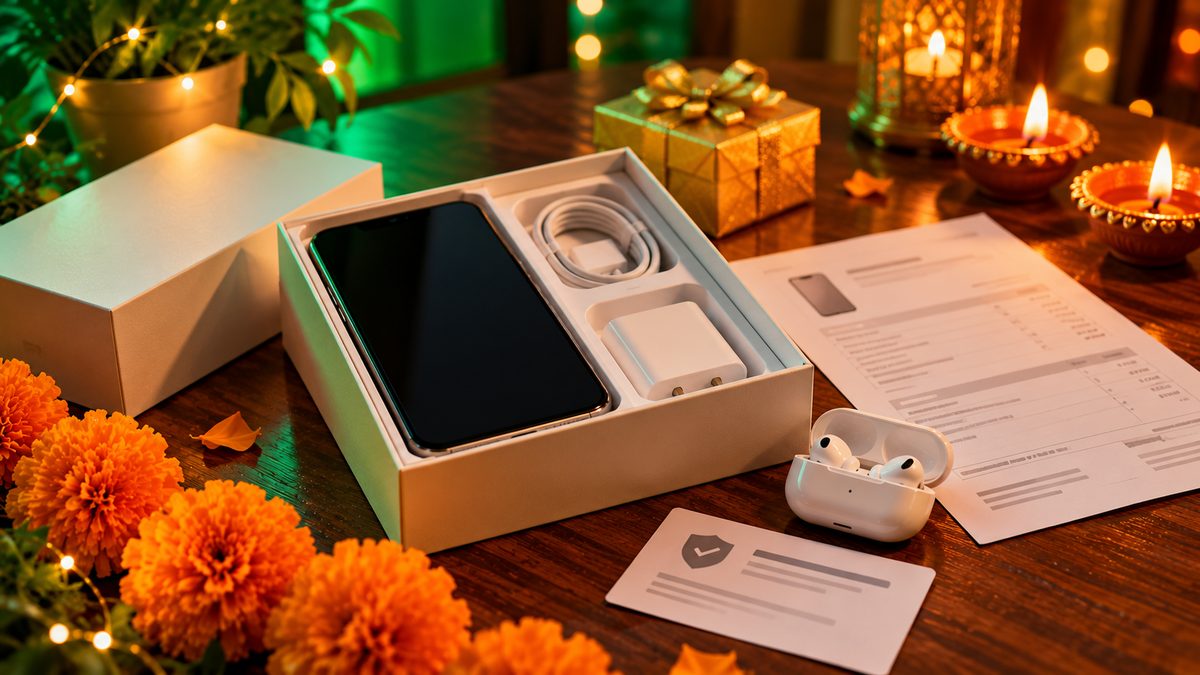
- Make sure you’ll get a GST invoice, which you’ll need for warranty claims.
- Check the warranty details. Brand warranty is valid at authorised service centres; “seller warranty” may not be.
- Read the return rules on the product page. Many phones and electronics can only be replaced, not refunded, and only within a short window.
7. Watch out for checkout tricks
Under the Central Consumer Protection Authority’s 2023 guidelines on “dark patterns”, online sellers in India aren’t allowed to use tricks like false urgency (“only 2 left!” when it isn’t true) or drip pricing, where extra charges appear only at the last step. If you think a seller has misled you, you can complain to the National Consumer Helpline by calling 1915 or through its website and app.
Also skip add-ons you didn’t ask for. Extended warranties, screen protection plans and gift wrapping are sometimes pre-selected at checkout, so check the order summary line by line.
8. Avoid fake deal links
Festive season is busy for scammers too. Ignore WhatsApp forwards and SMS messages promising “Diwali iPhone for ₹999” or asking you to pay a small fee to claim a prize. Type the store’s address yourself or use the official app, and never share an OTP with someone who calls you about an order.
What to buy now, and what to wait for
Diwali sales are a good time for budget and mid-range phones, earbuds, smartwatches, power banks and laptops, because prices usually drop across the whole category at once. If a product was launched in the last few weeks, though, the discount may be small, and you might get a better price in later sales.
If you’re buying a gift, our guide to the best Diwali gift gadgets under ₹2,000 lists useful picks that won’t end up in a drawer.
Related reading: How to Choose a Smartphone Under ₹20,000: 7 Specs That Actually Matter · Best Power Banks in India: How to Choose the Right One
The bottom line
The best Diwali deal is the lowest final amount for the exact product you need, from a seller you can trust. Pick the model first, check its real price history, read the bank offer’s cap and conditions, and remember that no-cost EMI still has small costs. Compare the final payment amount, not the banner, and you’ll avoid most festive-sale traps.
Comments
Have a question about this, or your own experience to share? Leave a comment below.
Loading comments…