
12 Simple Ways to Make Your Phone Battery Last Longer (That Actually Work)
Skip the myths. These settings and habits make a real difference to daily battery life and to how healthy your battery stays over the years.
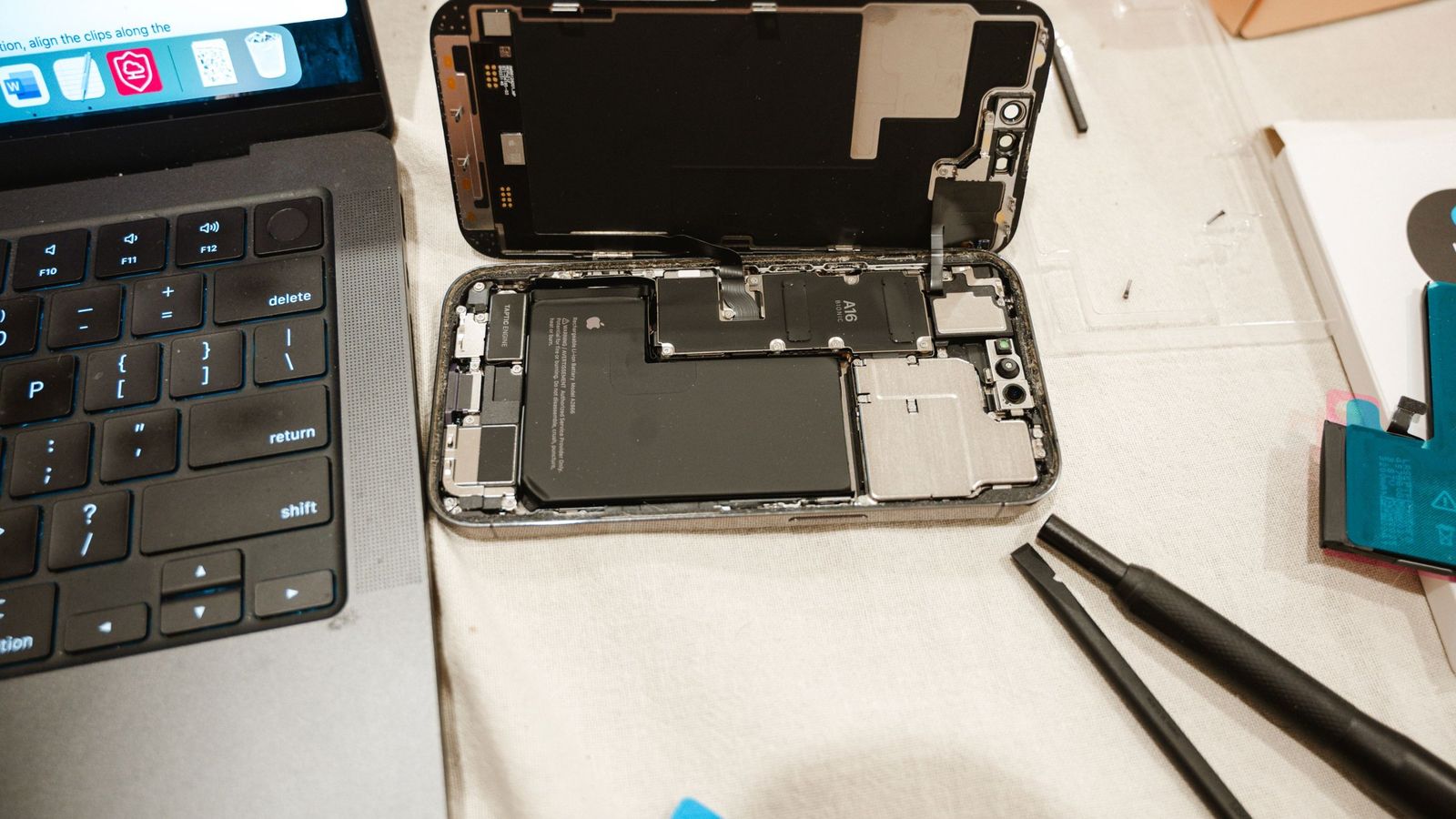
If your phone struggles to last the day, you don’t always need a new one. A few settings changes can add hours to battery life, and a few habits can keep your battery healthy for years. Here are the tips that actually work, and a few myths to stop believing.
Part 1: Settings that save battery today
1. Find the battery-hungry apps first
Go to Settings → Battery and see which apps use the most. Often one app, like a social media app or a game running in the background, is responsible for most of the drain. Restrict its background activity or uninstall it.
2. Lower screen brightness and use auto-brightness
The screen is usually the single biggest drain. Turn on adaptive/auto brightness and lower the default slider a little.
3. Use dark mode on AMOLED screens
On AMOLED/OLED phones, black pixels are switched off completely, so dark mode saves real power. On LCD screens, it makes little difference.
4. Reduce the screen timeout
Set the screen to turn off after 30 seconds of inactivity instead of 2 minutes or more.
5. Turn down the refresh rate when you need to
A 120Hz screen uses more power than 60Hz. If your phone has an adaptive refresh rate option, use it. On a long travel day, switching to 60Hz can noticeably stretch your battery.
6. Limit background location
Many apps ask for location “all the time”. Change most of them to “Only while using the app” under Settings → Location → App permissions.
7. Check your signal
In areas with weak network signal, your phone works harder to stay connected, which drains the battery fast. When you’re on good Wi-Fi in a low-signal area, turning on Wi-Fi calling helps. Use flight mode if you don’t need the network at all.
8. Turn on battery saver early
Don’t wait until 5%. Turning on battery saver at 20–30% gives you a lot more usable time.
Part 2: Habits that keep your battery healthy for years
9. Avoid heat
Heat is the number one enemy of lithium-ion batteries. Don’t leave your phone in a hot car or in direct sun, and avoid heavy gaming while charging. Take off a thick case if the phone gets hot while charging.
10. Keep it between 20% and 80% when you can
Batteries age faster when they are kept at 100% or drained to 0% often. Many phones now have an “optimised charging” or “protect battery” option that limits charging to around 80%. Turn it on, especially if you charge overnight.
11. Use a good charger
Use the original charger or a certified one from a trusted brand. Cheap unbranded chargers can deliver unstable power, which can harm the battery and is a safety risk.
12. Keep your phone updated
Software updates often include battery optimisations and bug fixes for drain problems. Install them, ideally after reading a few early reviews to make sure there are no new bugs.
Myths to stop believing
- “Close all apps from recents to save battery.” Usually false. Reopening apps from scratch can use more power than resuming them. Only close apps that are misbehaving.
- “Charging overnight ruins the battery.” Modern phones stop charging at full. Turning on optimised charging makes it even safer.
- “Fast charging damages the battery.” Phones manage fast charging carefully, and the speed drops as the battery fills. Heat is the bigger concern, not the charger speed.
When is it time for a new battery? If your phone shows battery health below about 80%, or it shuts down at 15–20%, a battery replacement at an authorised service centre is usually much cheaper than a new phone.
The bottom line
Find the app draining your battery, lower brightness, use dark mode on AMOLED, limit background location and turn on battery saver early. For long-term health, avoid heat and use the 80% charging limit.