
How to Sell Your Old Phone Safely in India: 9 Steps Before You Hand It Over
Selling or exchanging your old phone? Back up, sign out of Google or Apple ID, reset it properly and check your SIMs. 9 steps to protect your data and money.
Translate
This post may contain affiliate links. If you buy through them, we may earn a small commission at no extra cost to you. Read our affiliate disclosure.
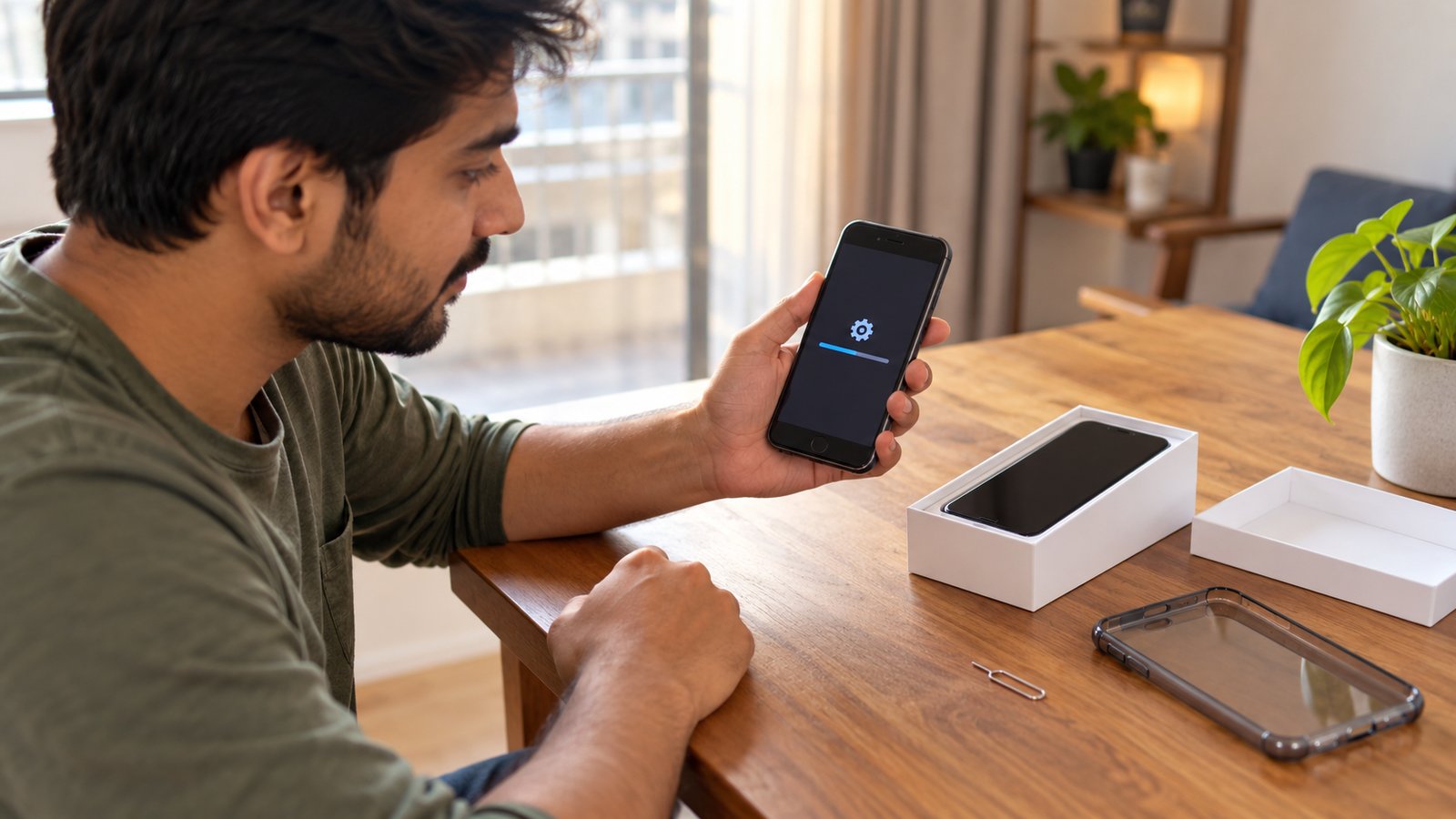
Bought a new phone in the festive sales? Your old one is probably headed for an exchange offer, a resale app or a friend. Before it leaves your hands, a few minutes of preparation protects your photos, your bank apps and your WhatsApp, and makes sure the next owner can actually use the phone.
Here’s the order to do it in.
1. Back up everything first
A factory reset wipes the phone completely, so start with a backup.
- Android: Go to Settings > Google > Backup (the exact path varies by brand) and tap Back up now. Turn on Google Photos backup if you haven’t already.
- iPhone: Use Settings > [your name] > iCloud > iCloud Backup > Back Up Now, or back up to a computer.
- WhatsApp: Open Settings > Chats > Chat backup and back up to Google Drive (Android) or iCloud (iPhone). This is separate from your phone backup.
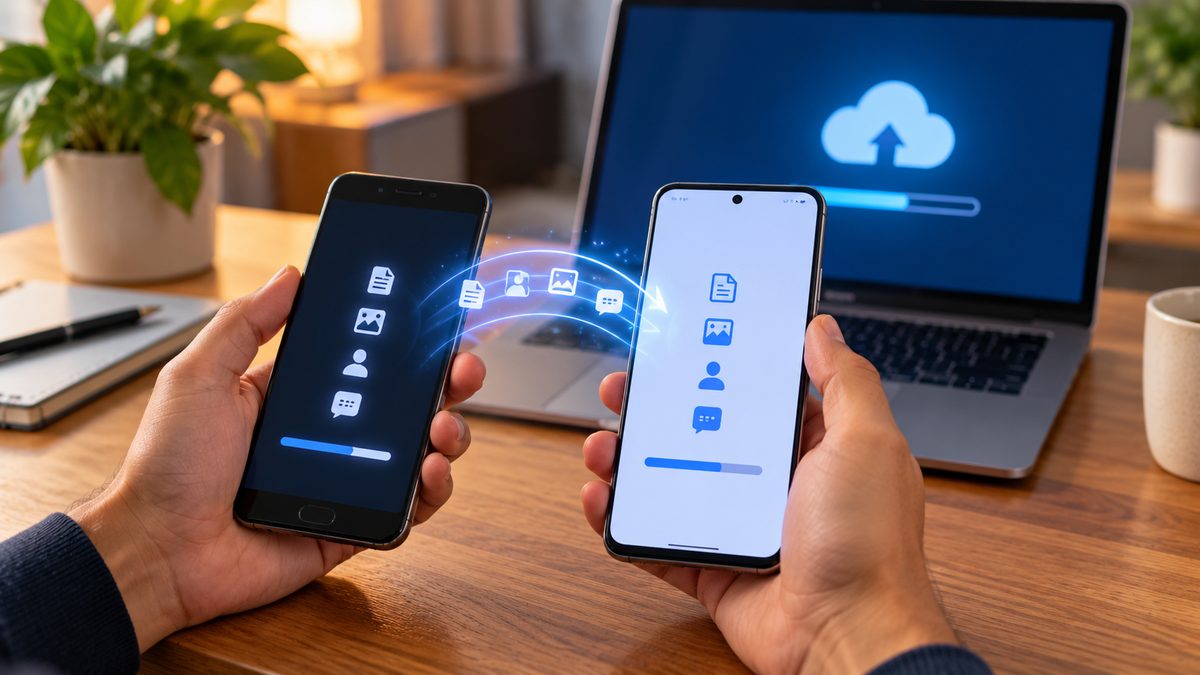
If you’re moving to a new phone of the same type, most phones also offer a direct transfer during setup, which is often quicker.
2. Save anything that isn’t in the cloud
Check for files that a normal backup can miss: call recordings, downloaded PDFs, voice notes, and photos inside apps like Telegram. Copy them to your new phone, a laptop or a USB-C pen drive.
3. Move your banking and authenticator apps
Banking and UPI apps are tied to your SIM and device, so set them up on the new phone first and confirm they work. If you use an authenticator app for two-step verification, transfer or re-link those accounts before you reset the old phone, or you could lock yourself out.
4. Sign out of your Google account or Apple ID
This step matters most, and many people skip it.
- Android: Go to Settings > Passwords & accounts (or Accounts) and remove your Google account. If you don’t, Factory Reset Protection will ask the next owner for your Google password after the reset, and they won’t be able to use the phone.
- iPhone: Go to Settings > [your name] > Sign Out, which turns off Find My and Activation Lock. Apple’s support page lists this as a key step before you sell or give away an iPhone.
Also sign out of any brand account (Samsung, Xiaomi, OPPO and others), as some have their own lock.
5. Unpair your watch and earbuds
If you use a smartwatch, unpair it from the old phone through its app. For an Apple Watch, unpairing also creates a backup of the watch on your iPhone.
6. Factory reset the phone
Only now should you erase it.
- Android: Settings > System > Reset options > Erase all data (factory reset). The menu name varies by brand.
- iPhone: Settings > General > Transfer or Reset iPhone > Erase All Content and Settings.
Modern phones encrypt your data by default, so a factory reset makes it practically unrecoverable. Afterwards, switch the phone on once and check that it shows the “Hello” or welcome setup screen with none of your accounts.
7. Remove your SIM and memory card, and delete the eSIM
Take out your SIM card and any microSD card. If you use an eSIM, choose the option to delete the eSIM during the reset, or remove it first in your SIM settings.
Then check Sanchar Saathi, the Department of Telecommunications’ portal. Its “Know mobile connections in your name” service shows every mobile number registered to you, so you can make sure none of them are still linked to an old device you don’t use.
8. Pick a safe way to sell
Your main options are:
- Exchange offers from Amazon, Flipkart or the brand’s own store. They’re easiest, but the price drops if the condition doesn’t match what you selected.
- Resale platforms like Cashify, which inspect and pick up the phone.
- Selling directly to someone you know or a local buyer, which usually gets the best price.
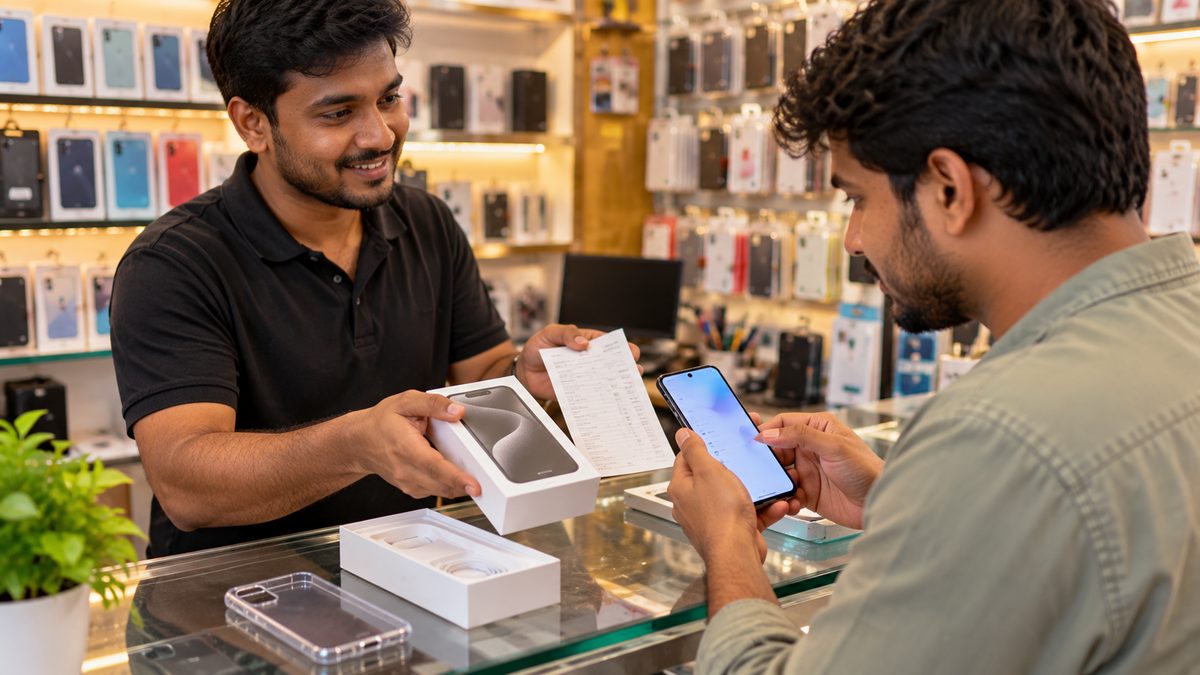
If you sell to a stranger, meet in a busy public place, don’t hand over the phone until the money has actually reached your account (check your bank app, not a screenshot), and never share an OTP with a buyer.
9. Hand over the box, bill and a simple receipt
Include the original box, charger (if you have it) and the purchase bill. Buyers trust a phone more when the IMEI on the box matches the phone. For a private sale, write a short note with both names, the date, the phone’s model and IMEI, and the price, and have both people sign it. It’s a simple record that the phone changed hands on that date.
Quick checklist
| Before you hand it over | Done? |
|---|---|
| Phone, photos and WhatsApp backed up | ☐ |
| Banking, UPI and authenticator apps moved | ☐ |
| Signed out of Google account or Apple ID | ☐ |
| Watch and earbuds unpaired | ☐ |
| Factory reset done, setup screen shows | ☐ |
| SIM, memory card and eSIM removed | ☐ |
| Paid in full before handing over | ☐ |
Related reading: How to Check a New Phone Is Genuine Before You Accept the Delivery · How to Choose a Smartphone Under ₹20,000
The bottom line
Before you sell or exchange your old phone, back it up, move your banking and authenticator apps, sign out of your Google account or Apple ID, then factory reset it and remove your SIM, eSIM and memory card. Sell through an exchange offer, a trusted resale platform or in person in a public place, and hand over the phone only after the money is in your account.
More in Guides
How to Check a New Phone Is Genuine Before You Accept the Delivery
Ordered a phone online? Check the box seal, IMEI, model and warranty before you share the delivery OTP. A simple door...

Diwali Gadget Buying Tips: How to Get the Best Deal Online
Buying a phone, laptop or earbuds in a Diwali sale? Check real price history, bank offers, no-cost EMI costs, exchang...
12 Simple Ways to Make Your Phone Battery Last Longer (That Actually Work)
Skip the myths. These settings and habits make a real difference to daily battery life and to how healthy your batter...
Comments
Have a question about this, or your own experience to share? Leave a comment below.
Loading comments…