
How to Check a New Phone Is Genuine Before You Accept the Delivery
Ordered a phone online? Check the box seal, IMEI, model and warranty before you share the delivery OTP. A simple doorstep checklist for Indian buyers.
Translate
This post may contain affiliate links. If you buy through them, we may earn a small commission at no extra cost to you. Read our affiliate disclosure.
Festive sale phones are arriving at doorsteps across India right now, and most of them are exactly what buyers ordered. But every season brings stories of a soap bar instead of a phone, a refurbished unit sold as new, or the wrong variant in the box. The moment that matters most is before you hand over the delivery OTP, because once you do, getting a refund or replacement becomes much harder.
Here’s a simple checklist you can run at the door in about five minutes.
Why the OTP moment matters
With Flipkart’s Open Box Delivery, the delivery agent opens the package in front of you, and sharing the OTP counts as accepting the order. Flipkart’s terms ask you to “verify the product before sharing OTP”, and once you’ve accepted, a complaint about a missing, damaged or wrong item is generally not accepted, according to Zoutons’ reading of Flipkart’s current terms. Genuine manufacturing defects are still handled separately through the brand and Flipkart’s support.
Amazon, meanwhile, has offered replacements rather than refunds on smartphones since 2016, so a wrong or damaged phone usually means waiting for a replacement rather than simply getting your money back.
In both cases, a few minutes of checking at the door saves days of back-and-forth later.
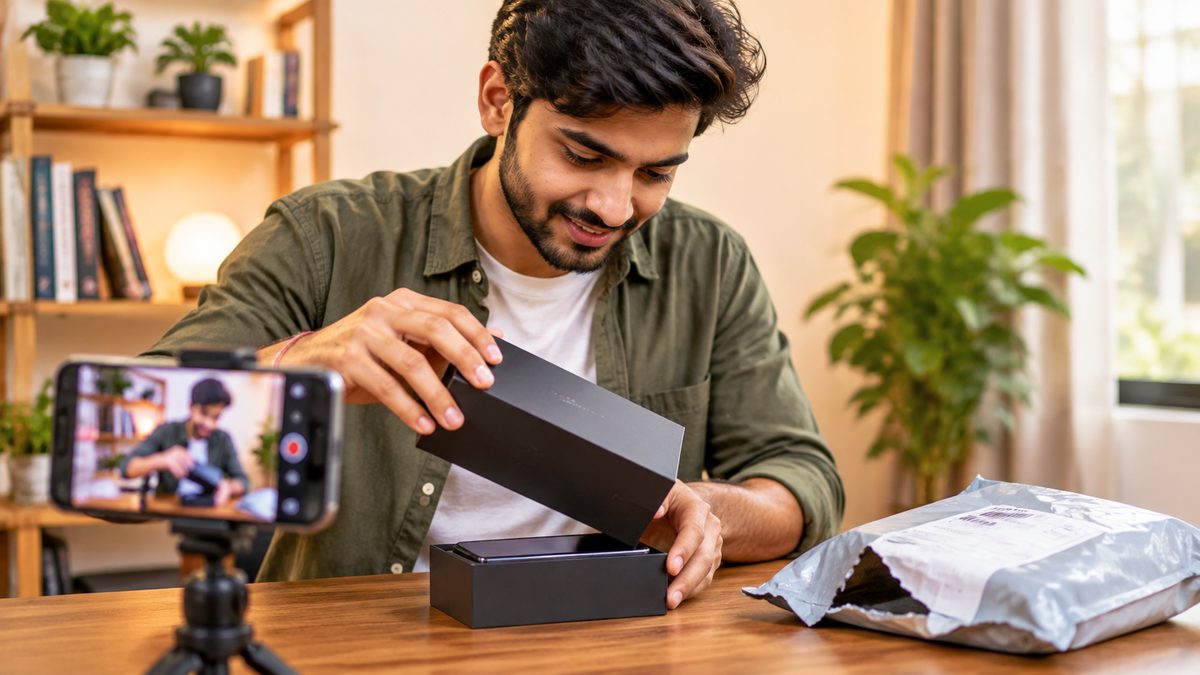
Tip: Start recording a video on another phone before the box is opened, and keep the label, the opening and the phone itself in the frame. If anything is wrong, this video is the strongest proof you can show customer care.
Before the delivery arrives
Do this the day before so you’re not rushing at the door:
- Note the exact order details: brand, model, colour, RAM and storage, from your order page.
- Check what’s in the box. Many phones now ship without a charger, so read the “In the box” section of the listing. A missing charger isn’t a problem if the listing never included one.
- Keep a working phone ready to send an SMS and to record the unboxing.
The doorstep checklist
1. Check the outer package and the seal
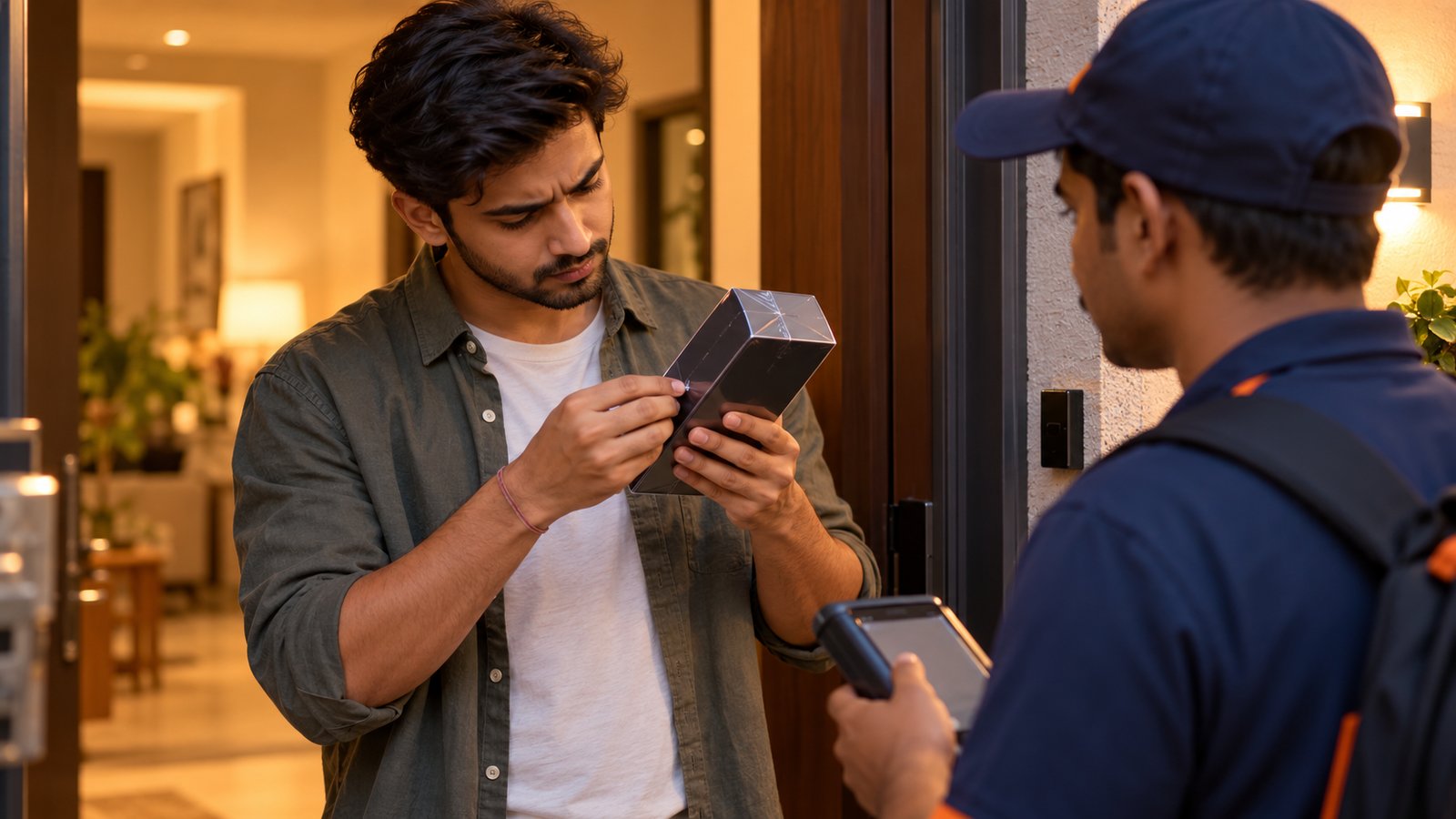
Before anything is opened, look at the shipping package for tears, re-taping or crushed corners. Then check the phone’s retail box: most brands seal it with shrink wrap or tamper-evident stickers. A seal that’s broken, loose, re-stuck or missing is a reason to stop and refuse.
2. Match the box to your order
Read the label on the back or side of the box. The model name, colour, RAM and storage should all match your order. The most common “wrong item” is a lower storage variant of the same phone, which looks identical from the outside.
3. Match the IMEI on the box, the phone and the invoice
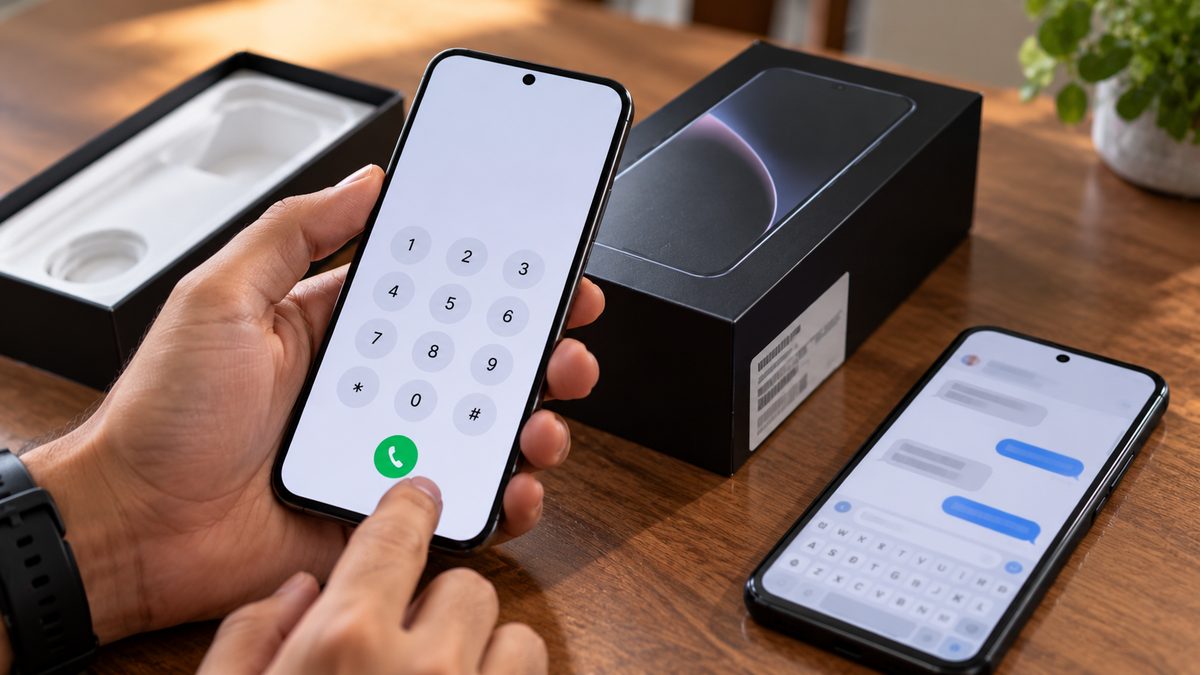
Every phone has a unique IMEI number (two on dual-SIM phones). Once the phone is out of the box and switched on, dial *#06# to see it on screen. It should match the IMEI printed on the box label, and on the invoice if one is included. A mismatch means the phone and box don’t belong together.
4. Verify the IMEI with the government’s KYM service
The Department of Telecommunications (DoT) runs a free Know Your Mobile (KYM) check through Sanchar Saathi. From any phone, send an SMS in this format:
KYM <15-digit IMEI> to 14422
You can also check on the Sanchar Saathi website or the Sanchar Saathi app for Android and iOS. The reply shows the brand and model linked to that IMEI. If it shows a different phone, says the IMEI is invalid, or flags it as blacklisted, don’t accept the delivery. DoT has urged buyers to use this check because tampered and duplicate IMEIs are used on fake and stolen phones.
5. Switch it on and check the basics
You don’t need to set the phone up fully. Just check:
- the screen has no cracks, dead pixels or lines (open a white page or the camera)
- the power and volume buttons work
- the cameras open and focus
- the SIM tray and charging port look unused, with no scratches
- Settings > About phone shows the model, RAM and storage you ordered
If the phone has already been set up with someone else’s account, or shows a lock screen asking for a previous owner’s details, it isn’t new.
6. Check the warranty start date (later the same day)
A new phone’s warranty should start around the date you bought it. Once you’ve accepted the delivery, check it on the brand’s warranty page or app (for an iPhone, Apple’s Check Coverage page uses the serial number). If the warranty started weeks or months earlier, the phone may have been activated, used or refurbished. Raise it with the seller and the marketplace immediately, with your unboxing video.
If something is wrong
- At the door: don’t share the OTP. Tell the delivery agent why you’re refusing, and the order goes back undelivered.
- After accepting: contact the marketplace’s customer care right away, use the in-app return or replacement option, and attach your unboxing video and photos of the IMEI and labels.
- If you’re not getting a fair answer: you can complain to the National Consumer Helpline by calling 1915 or through its website and app.
Buying from the brand’s official store on Amazon or Flipkart, or a well-rated seller, also cuts the risk a lot. Our Diwali gadget buying tips explain how to check the seller and the warranty before you order.
Related reading: Diwali Gadget Buying Tips: How to Get the Best Deal Online · How to Choose a Smartphone Under ₹20,000: 7 Specs That Actually Matter
The bottom line
Before you share the delivery OTP, check the seal, match the model and IMEI on the box, phone and invoice, and send KYM <IMEI> to 14422 to confirm the phone is genuine. Record the unboxing, switch the phone on to check the basics, and confirm the warranty start date later that day. If anything doesn’t match, refuse the delivery rather than hoping to fix it later.
More in Guides

Diwali Gadget Buying Tips: How to Get the Best Deal Online
Buying a phone, laptop or earbuds in a Diwali sale? Check real price history, bank offers, no-cost EMI costs, exchang...
12 Simple Ways to Make Your Phone Battery Last Longer (That Actually Work)
Skip the myths. These settings and habits make a real difference to daily battery life and to how healthy your batter...
Comments
Have a question about this, or your own experience to share? Leave a comment below.
Loading comments…