
Nothing OS 5.0 Update Rolls Out to Phone (4a) and (3a) Series: What's New
Nothing OS 5.0, based on Android 17, is rolling out to the Phone (4a), (4a) Pro, (3a) and (3a) Pro. Here's what's new and when other Nothing phones get it.
Translate
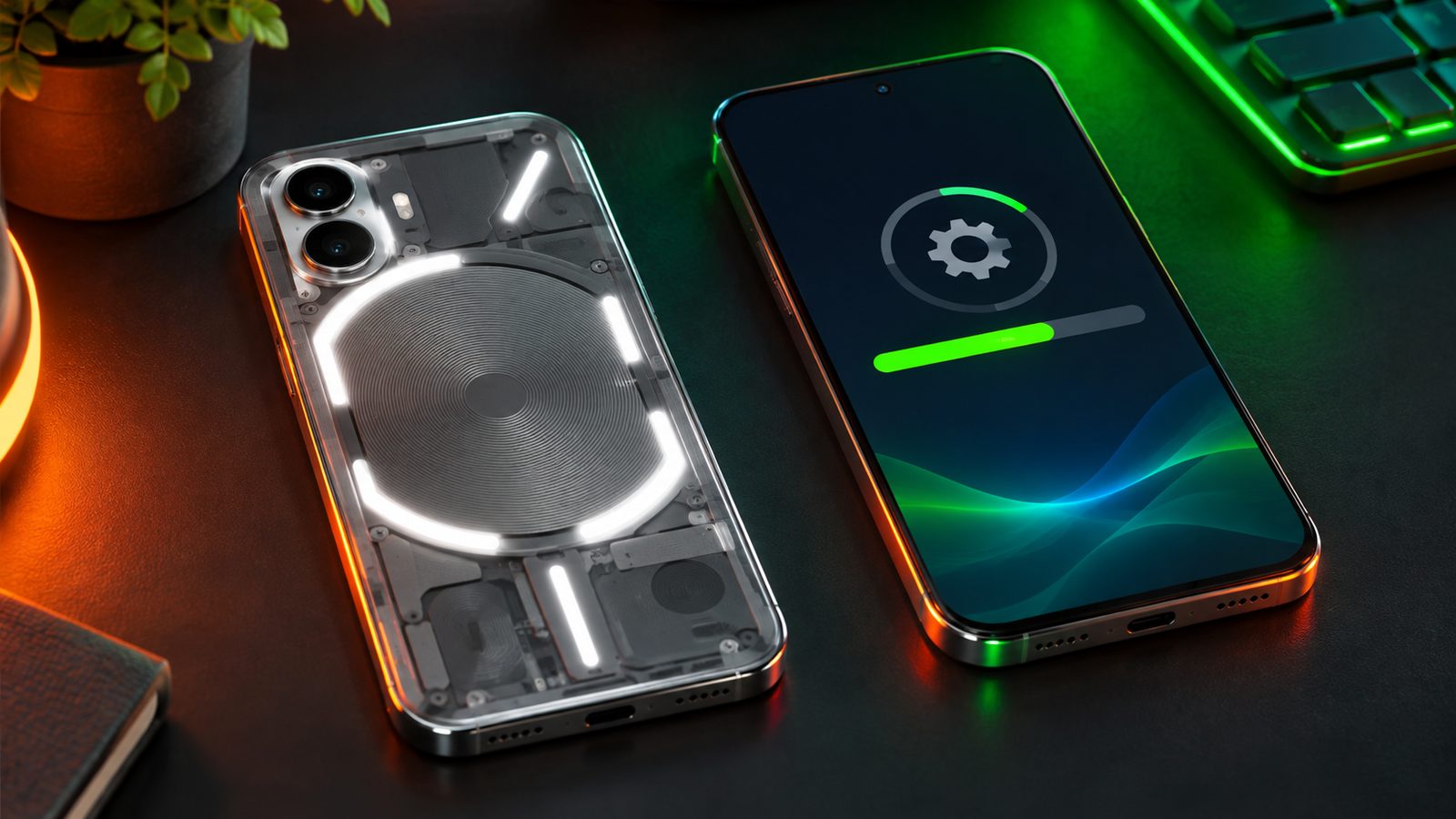
Nothing has started rolling out the stable Nothing OS 5.0 update, based on Android 17, to the Phone (4a), Phone (4a) Pro, Phone (3a) and Phone (3a) Pro. The rollout began on October 30, 2026, earlier than the early-November window Nothing had planned, and it brings a new Glyph app, split Quick Settings and new camera features.
What happened
Nothing confirmed on its official community forum that the Nothing OS 5.0 general release is now rolling out to these four phones. The flagship Phone (3) got the same update first, in mid-October. The rollout is staggered, so not every phone gets the update notification on the same day. Some owners may have to wait a few days.
What’s new in Nothing OS 5.0
These changes come to all four phones:
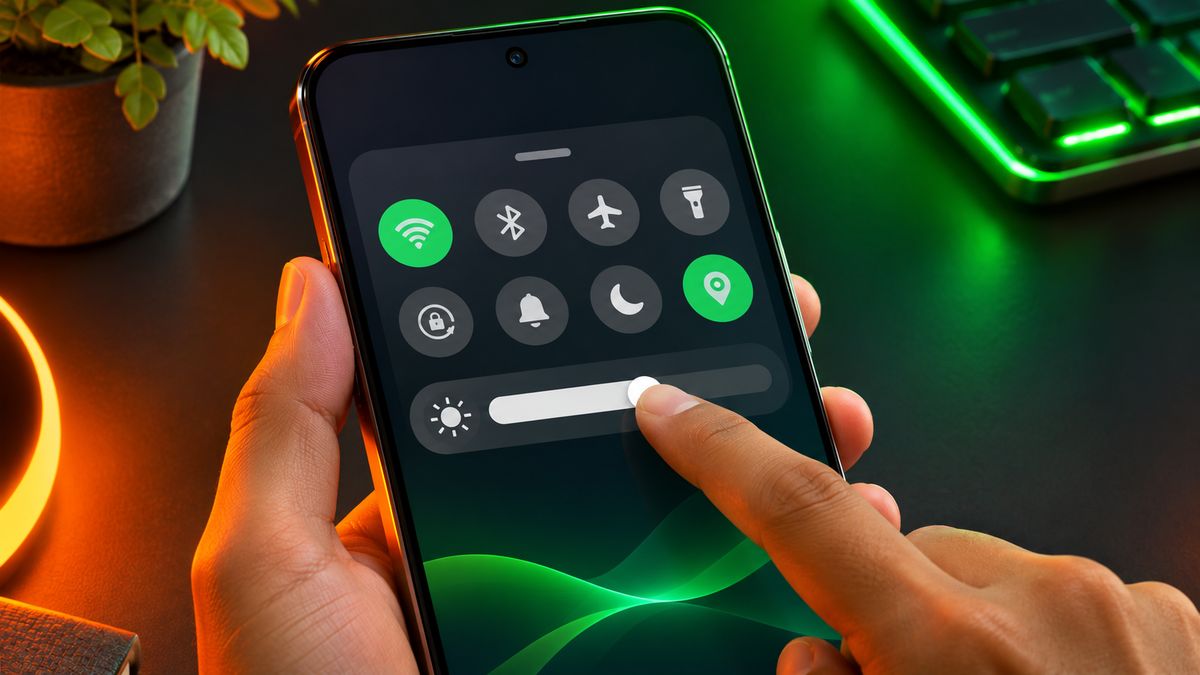
- Split Quick Settings: notifications and quick toggles now sit in separate panels, a bit like iPhones and Samsung phones.
- A dedicated Glyph app for the light-up rear interface, plus a new Glyph Timer widget.
- New widgets: Collector and Away Time.
- A three-colour privacy dot in the status bar. It shows when an app is using sensitive access, your location, or AI processing that may involve personal data.
- Expanded Dark theme, which forces dark mode on many apps that don’t have their own.
- More customisation: a Translucent launcher theme, two new lock screen clock faces, custom clock colours and bulk arranging of home screen icons.
- Small but handy fixes: one-tap Bluetooth connect and disconnect in Quick Settings, and an adjustable brightness slider for HDR content.
There are camera upgrades too. The Phone (3a) and (3a) Pro get Tuning with seven adjustable effects, upgraded Presets, and filters for video. The Phone (4a) series gets faster Essential Voice transcriptions. All four get Dual-view Video, which records with the front and rear cameras at the same time, plus a refreshed camera interface.
Which Nothing phones get it, and when
According to Nothing’s roadmap, as reported by GSMArena and Cashify, other Nothing and CMF phones will get the update over the next few months:
| Phone | Nothing OS 5.0 (Android 17) |
|---|---|
| Phone (3) | Rolled out in October 2026 |
| Phone (4a), (4a) Pro, (3a), (3a) Pro | Rolling out now (from October 30, 2026) |
| Phone (2a), (2a) Plus | Expected mid-November 2026 |
| Phone (3a) Lite | Expected late December 2026 |
| Phone (4b), CMF Phone 2 Pro | Expected mid-January 2027 |
Dates for the later phones are Nothing’s planned timelines and can shift. If your phone isn’t on this list, Nothing hasn’t shared a date for it yet.
How to get the update
- Back up your photos, chats and important files first.
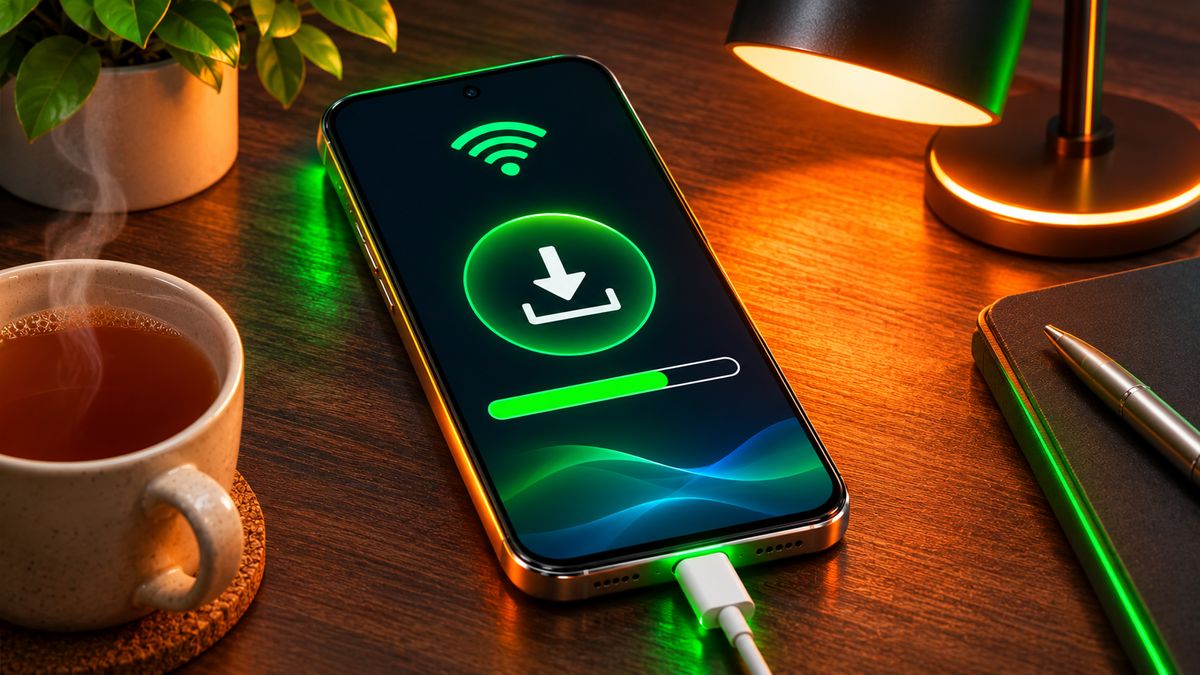
- Charge your phone well, or keep it plugged in while it installs.
- Connect to Wi-Fi, because big Android version updates are usually large downloads.
- Go to Settings > System > System update and tap to check for updates.
If nothing shows up, wait a few days and check again. Because the rollout comes in batches, there’s no need to sideload anything.
Tip: Nothing says your phone may use more battery and feel warmer for a while after a big update, and that this settles down once the update finishes its work in the background. Give it a day or two before you judge battery life. If it still drains fast after that, our guide on making your phone battery last longer can help.
Our take
What do you think of the Nothing Phone’s design?
I find the Nothing Phone’s design (the transparent back and Glyph lights) very unique and stylish. It’s not just for show, because the Glyph lights are also useful for notifications and charging status.
Do you install big updates right away?
I usually wait a few days to see if there are any bugs or battery issues. After that, I check reviews and then install the update.
How important are software updates when you buy a phone?
For me, software updates are very important, because they keep the phone secure and up to date. I prefer phones that get software and security updates for 4 to 5 years.
What it means for you
If you own a Phone (3a) or (4a) series phone, this is a free and fairly big update: the split Quick Settings and Expanded Dark theme change how the phone feels every day, and Dual-view Video adds a new camera trick. If you’re thinking about buying a Phone (3a) or (4a) model, it’s good to know that it already runs Android 17 and has more Nothing OS updates on the way.
Related reading: Samsung One UI 9 Update in India: Which Galaxy Phones Have It So Far · OnePlus ColorOS 17 Update Rolls Out in India: Which Phones Get It and When
The bottom line
Nothing OS 5.0, based on Android 17, is now rolling out to the Phone (4a), (4a) Pro, (3a) and (3a) Pro, after reaching the Phone (3) in October. It adds split Quick Settings, a Glyph app, new widgets, a privacy indicator and Dual-view Video. Check Settings > System > System update, and be patient if it isn’t there yet. Phone (2a) owners should see it around mid-November.
More in Phones
Caller Name Display (CNAP) Starts in India From November 1: What Changes for You
Telecom operators must show the caller's registered name on 4G and 5G calls from November 1 under a DoT order. How CN...

iQOO Neo 10R vs Realme P4 Pro: Which Gaming Phone to Buy
iQOO Neo 10R vs Realme P4 Pro compared on chip, gaming, cooling, battery, cameras, updates and November 2026 prices i...
Lava Phones to Get Costlier by Up to ₹3,000 From November 15
Lava will raise prices across its smartphone range by up to ₹3,000 from November 15, citing memory shortages. What it...
Comments
Have a question about this, or your own experience to share? Leave a comment below.
Loading comments…