
Fast Charging Explained: Watts, USB-C PD and the Right Charger
Why does your phone charge slowly with some chargers? A simple guide to watts, USB-C Power Delivery, proprietary charging and choosing a safe charger.
This post may contain affiliate links. If you buy through them, we may earn a small commission at no extra cost to you. Learn more.
Your phone says “67W fast charging”, but with your friend’s charger it crawls. You buy a “65W” charger, and it’s still not fast. Fast charging is confusing because brands use different standards. This guide explains it simply, so you can pick the right charger the first time.
Watts: the basic idea
Charging speed is measured in watts (W). More watts usually means faster charging, but only if the phone, the charger and the cable all support the same speed and the same standard. The slowest part decides the final speed.
The three main fast-charging types
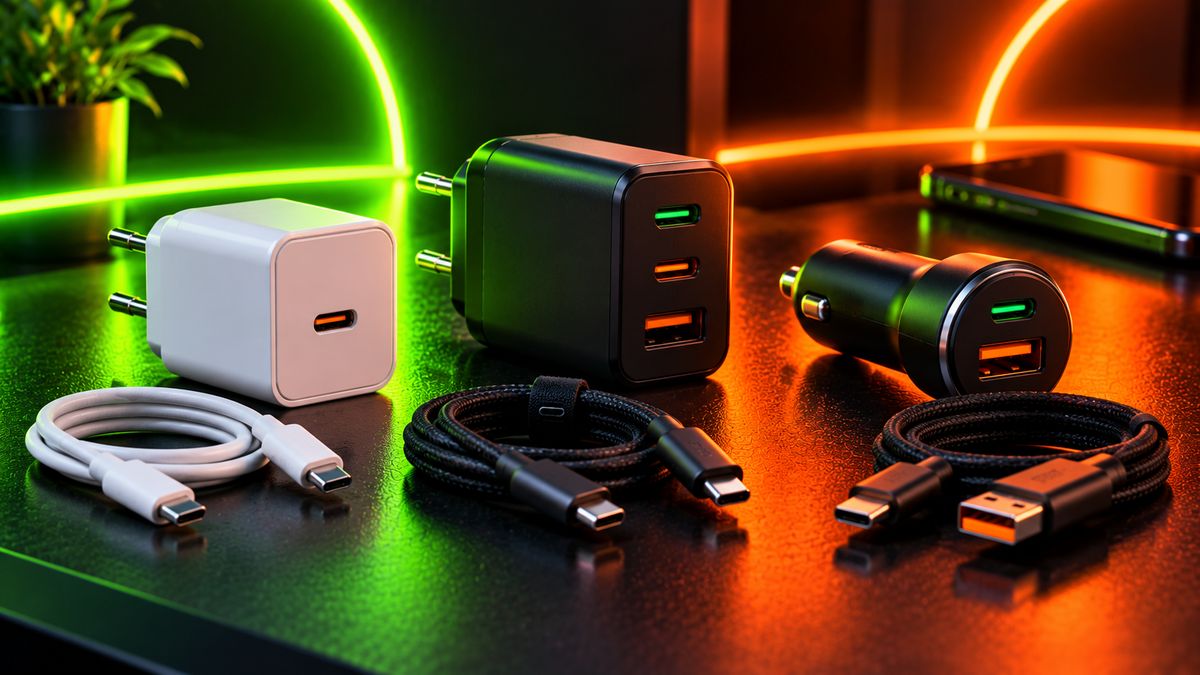
| Type | Used by | What to know |
|---|---|---|
| USB-C Power Delivery (PD) | iPhones, Google Pixel, many laptops, and many Android phones | The universal standard. A good PD charger works with most modern devices. |
| PD with PPS | Samsung “Super Fast Charging” and several others | An extension of PD. Your charger must support PPS to reach the top speed. |
| Brand-only (proprietary) | Many Chinese phone brands’ highest speeds | Full speed usually needs the original charger and cable from that brand. |
This explains the common problem: a phone rated for very high-wattage proprietary charging may only charge at a much lower speed on a standard PD charger, because the top speed needs the brand’s own system.
Why is my phone charging slowly?
- Wrong standard: the charger doesn’t support the phone’s fast-charging type.
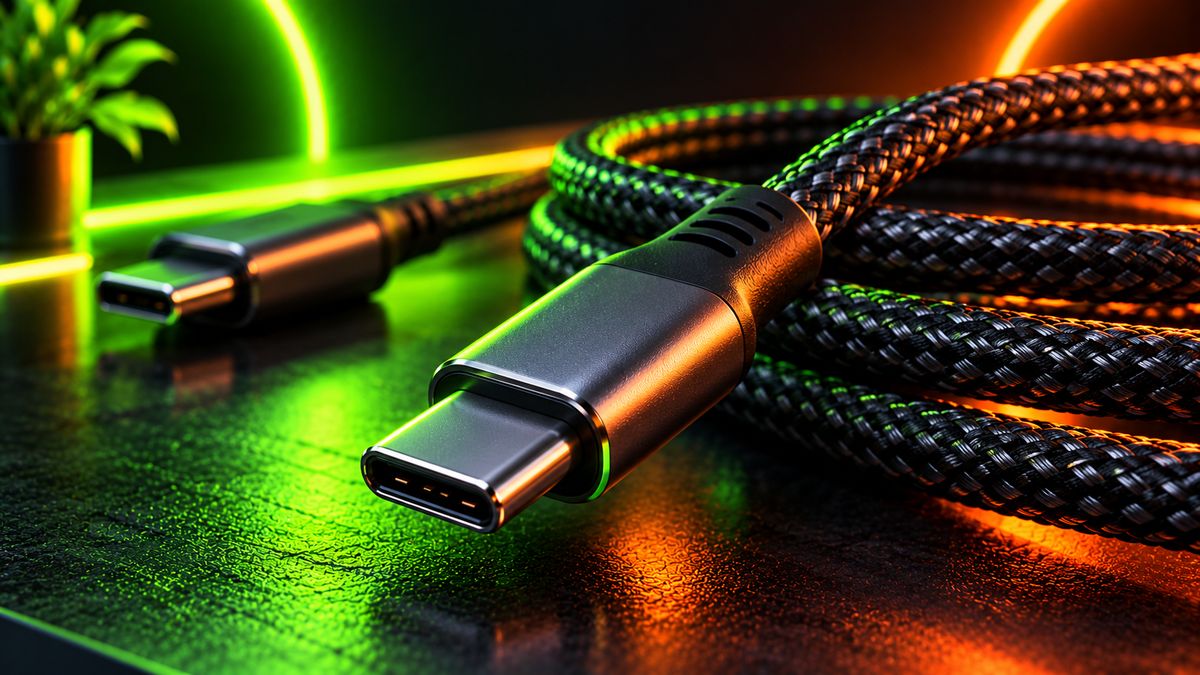
- Weak cable: cheap or old cables often can’t carry high power. Cables for 60W and above need to be rated for it.
- Heat: phones slow down charging when they’re warm, and while you’re gaming.
- Battery level: charging is fastest from low battery and slows down a lot after about 80%. That’s normal and protects the battery.
- Battery protection features: optimised or adaptive charging may pause at 80% on purpose.
How to choose the right charger
- Check your phone’s standard in the specs or the manual: PD, PPS, or a brand-only system.
- If your phone uses a brand-only system, the original brand charger is the only way to get top speed.
- For everything else, a quality USB-C PD charger with PPS is the most flexible choice. It can charge your phone, earbuds and many laptops.
- Match the wattage to your fastest device. A 30–45W PD charger covers most phones, while laptops typically need 65W or more.
- Use a rated cable, and check its wattage rating, especially for laptops.
Tip: Avoid very cheap unbranded chargers. They can deliver unstable power, overheat, and in the worst cases damage your phone or be a fire risk. Buy from known brands with safety certifications.
Is fast charging bad for the battery?
Modern phones manage fast charging carefully: speeds drop as the battery fills and as temperature rises. Heat is the bigger enemy of battery health, not the charger itself. Charge in a cool place, avoid gaming while charging, and use your phone’s battery protection setting if you charge overnight.
The bottom line
Fast charging only works at full speed when the phone, charger and cable all support the same standard. If your phone uses its brand’s own fast charging, stick with the original charger. Otherwise, a good USB-C PD charger with PPS and a properly rated cable is the best all-round choice. Read our battery tips to keep your battery healthy too.