
Smart TV Buying Guide: The Specs That Actually Matter
4K, QLED, OLED, 120Hz, HDR10+, Dolby Vision — what do they mean? A plain-English guide to picking the right smart TV for your room and budget.
This post may contain affiliate links. If you buy through them, we may earn a small commission at no extra cost to you. Learn more.
TV shopping is full of confusing labels: 4K, QLED, Mini LED, OLED, HDR10+, Dolby Vision, 120Hz. Some of these make a huge difference to what you see, and some are mostly marketing. This guide explains which ones matter, so you can choose the right TV for your room and budget.
1. Size: bigger is usually better, within reason
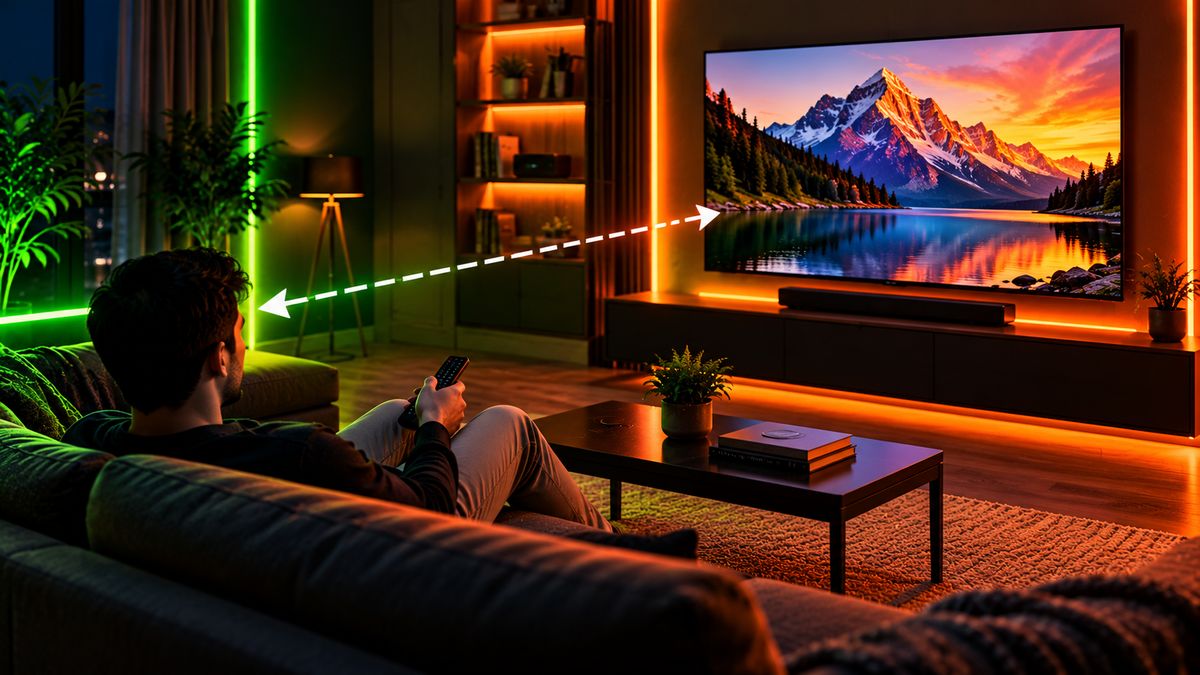
A simple rule: measure the distance from your sofa to the TV wall.
| Viewing distance | Comfortable 4K TV size |
|---|---|
| About 1.5–2 m | 43–50 inches |
| About 2–2.5 m | 55 inches |
| About 2.5–3 m | 65 inches |
| More than 3 m | 75 inches or bigger |
Most people who upgrade say they wish they’d gone one size bigger.
2. Resolution: 4K is the standard
At 43 inches and above, choose 4K (Ultra HD). Full HD is only worth it on small, cheaper TVs. 8K TVs exist, but there’s very little 8K content, so they aren’t worth the extra money for most people.
3. Panel type: the biggest factor for picture quality
| Panel | Picture | Best for |
|---|---|---|
| LED (LCD) | Good. Blacks can look greyish in dark rooms. | Budget buyers, bright rooms |
| QLED | Brighter, more vivid colours than basic LED | Bright living rooms |
| Mini LED | Much better contrast and brightness than regular LED | Movies and sports, mid-to-high budget |
| OLED | Perfect blacks and excellent contrast | Dark rooms and movie lovers, premium budget |
4. HDR: check which formats are supported
HDR makes bright scenes pop and dark scenes show detail, but only if the TV is bright enough. Look for support for HDR10, plus Dolby Vision or HDR10+, which streaming apps use. A cheap TV that “supports HDR” but isn’t bright won’t show much difference.
5. Refresh rate: 120Hz for gamers and sports fans
- 60Hz is fine for TV shows, news and most movies.
- 120Hz gives smoother sports and gaming. If you have a modern console, look for 120Hz plus HDMI 2.1.
- Watch out for “motion rate” numbers in ads. They’re often not the real refresh rate.
6. Smart TV software
The operating system decides your apps and how smooth the TV feels. Google TV / Android TV, Tizen (Samsung) and webOS (LG) all support the major streaming apps. Check that the apps you use, like Netflix, Prime Video, JioHotstar and YouTube, are supported, and that the TV feels quick in store or in video reviews.
7. Sound: plan for a soundbar
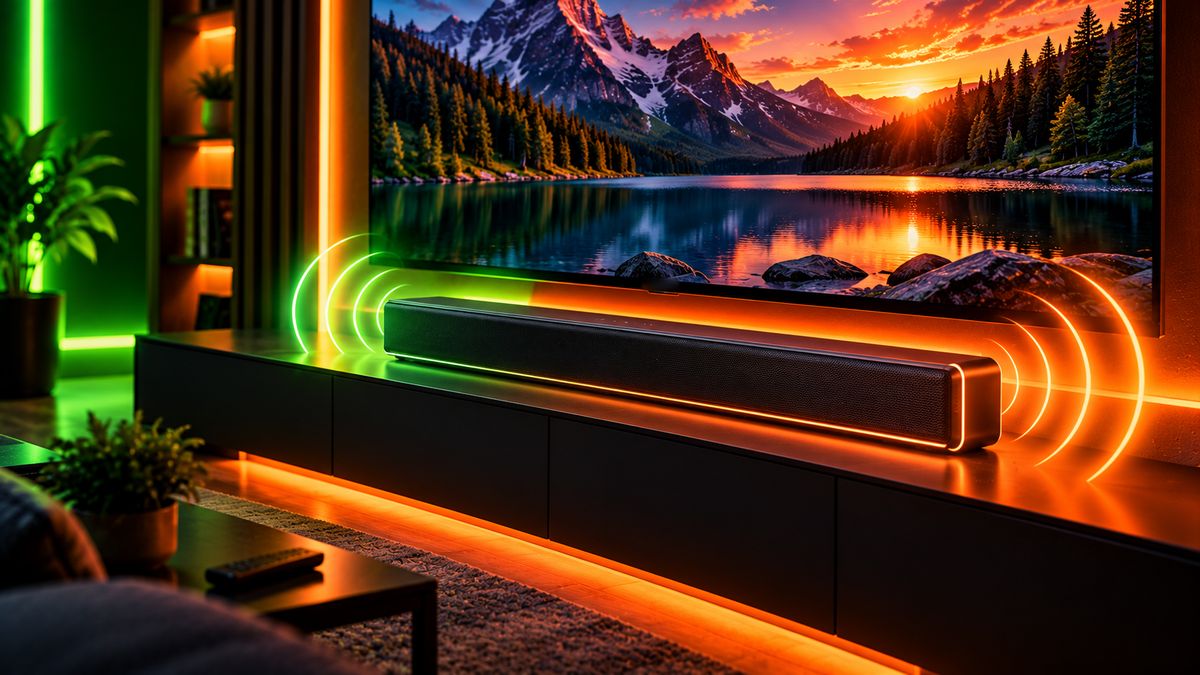
Thin TVs have small speakers. If you care about dialogue clarity and movie sound, budget for a soundbar, even an affordable one. It’s usually a bigger upgrade than spending more on the TV’s built-in audio.
Tip: Check the brand’s service network in your city before buying, and consider the extended warranty for panels. A TV panel repair can cost a large part of the TV’s price.
The bottom line
Pick the size for your room, go 4K, and spend your money on a better panel, such as QLED, Mini LED or OLED, before chasing extra features. Check HDR format support, choose 120Hz with HDMI 2.1 if you game, and plan for a soundbar. A good panel and smooth software matter far more than the longest spec list.