
Best Laptops for College Students Under $700
The best laptops for college under $700 right now: MacBook Neo, Dell XPS 13 and a Chromebook Plus, with current US prices and student discounts.
Translate

This post may contain affiliate links. If you buy through them, we may earn a small commission at no extra cost to you. Read our affiliate disclosure.
A college laptop has to handle four years of papers, research tabs, video lectures and late-night streaming, and it has to survive being carried across campus every day. This year a $700 budget buys more than it used to, thanks to two strong new 13-inch laptops from Apple and Dell, even though rising memory prices have pushed some models up. Here are the picks worth your money in October 2026, plus a cheaper Chromebook option.
Quick picks
| Laptop | Price (Oct 2026) | Student price | Chip / RAM / storage | Screen | Weight | Best for |
|---|---|---|---|---|---|---|
| Apple MacBook Neo | around $690–$699 | $599 (Apple education store) | A18 Pro / 8GB / 256GB | 13-inch, 2408 x 1506 | 2.7 lb | Most students, especially iPhone owners |
| Dell XPS 13 (2026, Core 5 320) | around $700 | $599 (Dell student offer) | Intel Core 5 320 / 8GB / 512GB | 13.4-inch 2.5K touch, up to 120Hz | 2.2 lb | Windows users who want something light |
| Chromebook Plus (Core 3 N355 models) | around $600 list, often $380–$430 on sale | Varies | Core 3 N355 / 8GB / 128GB | 14-inch, 1920 x 1200 | about 3.3 lb | Tight budgets, web-based coursework |
Prices move often, and Black Friday is close, so check the current price before you buy.
What a college laptop actually needs
Most coursework is browsing, documents, slides, video calls and streaming. For that, you don’t need a powerful graphics chip. What matters more:
- Battery life. A laptop that lasts a full day of classes without a charger is worth more than a faster chip.
- Weight. Anything under about 3 pounds is easy to carry every day.
- RAM. 8GB is fine for general study. If your course uses heavy software, look at 16GB.
- Storage. 256GB fills up quickly if you keep big files offline. Cloud storage from your school can help.
- Your course’s software. Some engineering and architecture programs need Windows-only apps. Check your department’s requirements before buying a Mac or a Chromebook.

1. Apple MacBook Neo: best for most students
The MacBook Neo is Apple’s low-cost MacBook, launched in March 2026. It uses the A18 Pro, the same chip found in the iPhone 16 Pro, with 8GB of memory and a 256GB SSD. It has a 13-inch display with a resolution of 2408 x 1506, an aluminum body that weighs 2.7 pounds, two USB-C ports and a headphone jack.
It launched at $599, but Apple raised the price in June 2026, citing a sharp jump in memory chip costs. The 256GB model now lists at $699, and the 512GB model with Touch ID is $799. Education pricing rose too: $599 for the base model and $699 for the 512GB version. Amazon has had the base model for around $689 this month.
Reviewers rate it highly. RTINGS names it the best budget laptop it has tested, and Tom’s Guide measured over 13 hours in its web browsing battery test. The trade-offs are real, though: the keyboard isn’t backlit, Touch ID costs $100 more, 8GB of memory limits heavy multitasking, and the A18 Pro is not built for serious video editing. For notes, papers and streaming, it’s the easiest recommendation at this price.
2. Dell XPS 13 (2026): best Windows laptop under $700
Dell brought its XPS 13 down to budget territory this summer with a version built on Intel’s new Core 5 320 chip, a low-power processor from Intel’s “Wildcat Lake” family. The base model pairs it with 8GB of memory and a 512GB SSD, which is double the Neo’s storage at about the same price. Dell lists it at around $700, and eligible students can get it for $599.
The highlight is the screen: a 13.4-inch 2560 x 1600 touchscreen with a variable refresh rate of up to 120Hz and up to 500 nits of brightness. At 2.2 pounds and half an inch thick, it’s also lighter than the MacBook Neo. In Tom’s Guide’s battery test, it lasted just over 14 hours, slightly longer than the Neo, and the site gave it an Editor’s Choice award as the best budget Windows laptop.
There are compromises. It has only two USB-C ports and no headphone jack, so wired headphones need an adapter. Tom’s Guide found the 1080p webcam blurry and washed out, which matters if you join a lot of video classes. The 8GB of memory can’t be upgraded later. Be careful with model names, too: XPS 13 configurations with 16GB of memory cost more, with some listed around $800–$1,000.
Tip: Don’t pay the regular price if you’re a student. Apple and Dell both run student pricing that takes about $100 off these two laptops, and you usually just need a school email address or a quick verification. Your school’s IT office may also offer free software licenses.
3. Chromebook Plus: best if your budget is closer to $400
If most of your work happens in Google Docs, a browser and your school’s learning portal, a Chromebook Plus can save you a few hundred dollars. “Chromebook Plus” is Google’s label for Chromebooks that meet a higher minimum spec, including at least 8GB of memory and a Full HD or better screen.
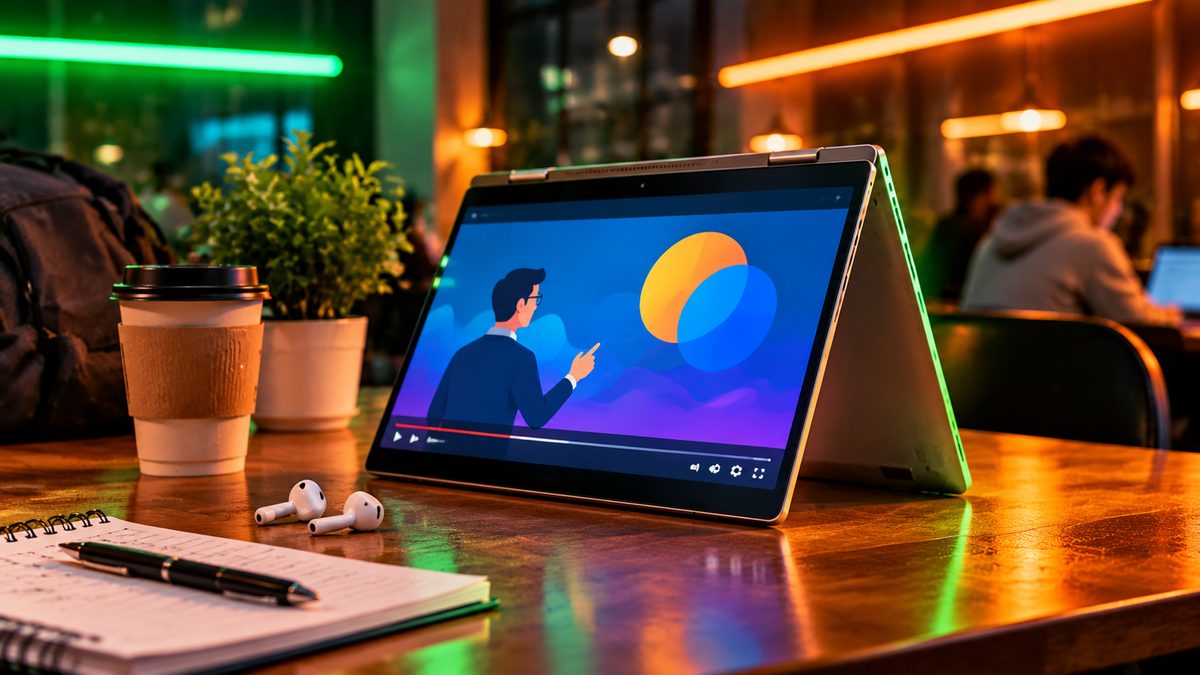
Tom’s Guide’s top budget Chromebook is the Lenovo Chromebook Plus 2-in-1, which has an Intel Core 3 N355 chip, 8GB of memory, 128GB of storage and a 14-inch 1920 x 1200 touchscreen that folds back into tablet mode. Its regular price at Best Buy is around $600–$680, but similar Core 3 N355 Chromebook Plus models from Lenovo and HP have dropped to around $380–$430 in one-day Best Buy deals this month. If you’re shopping for a Chromebook, wait for one of those sales.
The downsides: Tom’s Guide measured about 8.5 hours of battery life, well short of the two laptops above, and it found the glossy screen dim. ChromeOS also can’t run full Windows or Mac desktop apps, so check your course requirements first.
What about bigger screens or gaming?
If you want a 15-inch screen and 16GB of memory, older-chip models such as the Lenovo IdeaPad Slim 3 with a Ryzen 7 5825U are an option, but they’ve crept up to around $670–$750 at Best Buy. You get more memory, but give up the battery life and build of the 13-inch picks above.
A real gaming laptop is hard to find under $700 right now. PCWorld’s budget gaming pick, the Acer Nitro V 16 AI with an RTX 5050 graphics card, sells for over $1,000 at the moment, though it occasionally drops much lower on sale. If gaming matters, watch for Black Friday deals rather than settling for a weak graphics chip.
Which one should you buy?
- Most students: MacBook Neo, especially if you have an iPhone and want AirDrop and iMessage on your laptop.
- Windows users and anyone who wants a touchscreen: Dell XPS 13, which also gives you double the storage.
- The lowest price: a Chromebook Plus bought on sale, if your coursework is mostly web-based.
- Engineering or design students: check your program’s software list first. You may need Windows, 16GB of memory or a stronger chip, which can mean a bigger budget.
Related reading: Best Budget Phones Under $300 in 2026 · Best Noise Cancelling Headphones Under $100 in 2026
The bottom line
The MacBook Neo is the best laptop for most college students under $700, with long battery life, a solid build and $599 student pricing. The Dell XPS 13 is the Windows alternative and the better pick if you want a touchscreen, a lighter laptop or more storage, as long as you can live with a weak webcam and no headphone jack. If $700 is too much, a Chromebook Plus bought on sale gets you a capable laptop for around $400, provided your classes don’t need Windows or Mac software.
More in Global

Best Bluetooth Speakers Under $50 in 2026: Small, Waterproof and Loud Enough
The best cheap Bluetooth speakers under $50 right now, from Soundcore and JBL to Tribit, with current US prices, batt...

Best Smartwatches for iPhone in 2026
The best smartwatches for iPhone right now, from Apple Watch Series 12, SE 3 and Ultra 4 to Garmin and Amazfit, with ...

Best Noise Cancelling Headphones Under $100 in 2026
The best ANC headphones under $100 right now, from Sony, Soundcore, CMF and JLab, with current US prices, battery lif...
Comments
Have a question about this, or your own experience to share? Leave a comment below.
Loading comments…